Building a high-performance gaming PC in 2026 is only half the battle. The real mark of a pro builder is Cable Management. While it might seem like a purely aesthetic choice, a “birds nest” of wires inside your case is a silent performance killer.
Poorly managed cables block airflow, trap heat, and turn your expensive components into a magnet for dust. Here is your definitive guide to mastering cable management for a clean look and a cool system.
1. Why Cable Management Actually Matters
It’s not just about “PC Porn” for social media. Proper routing provides two critical functional benefits:
- Thermal Efficiency: Modern GPUs and CPUs in 2026 generate significant heat. Obstructions in the air path create “dead zones” where hot air swirls around instead of being exhausted.
- Maintenance Ease: When you need to upgrade your RAM or clean your fans, you don’t want to fight through a jungle of wires. Clean routing makes your PC a modular, serviceable machine.
2. The Golden Rule: The “Back-Side” Strategy
Modern PC cases are designed with a “dual-chamber” philosophy. The front (the side with the glass) is for the show; the back (behind the motherboard tray) is for the mess.
- Route Early: Don’t wait until the end. As soon as you plug a cable into the motherboard, immediately pull the excess through the nearest rubber grommet to the back of the case.
- Use the Cutouts: High-quality cases have specific holes for the CPU power (top left) and the 24-pin motherboard power (middle right). Use them!
3. Essential Tools for a Clean Build
You don’t need expensive kits, but these three items are game-changers:
- Velcro Ties: Unlike plastic zip ties, Velcro is reusable. This is vital because you will realize you forgot one cable and need to open the bundle later.
- Cable Combs: These small plastic clips keep your GPU and Motherboard sleeves perfectly parallel, preventing the “rainbow” spread of individual wires.
- Zip Tie Anchors: If your case lacks tie-down points, these adhesive squares allow you to create your own routing paths.
4. Step-by-Step Cable Routing Workflow
Follow this order to prevent a “cable mountain” from forming in the back:
- Step 1: The Big Essentials. Start with the thickest cables—the 24-pin ATX and the 8-pin CPU power. These are the hardest to bend, so give them priority.
- Step 2: The Front Panel. Route your Power SW, Reset, and USB header cables. These are thin and fragile; keep them tucked away from heavy power lines.
- Step 3: Storage & Fans. If you use SATA drives or have a hub for RGB fans, this is where the bulk of the mess happens. Bundle these along the vertical “spine” of the case.
- Step 4: The GPU. The “centerpiece.” In 2026, many use the 12V-2×6 cable. Ensure there is no sharp bend near the connector to prevent overheating.
5. Managing the “External” Chaos
A tidy PC deserves a tidy desk.
- Under-Desk Trays: Use a mesh tray or a “J-channel” to keep power bricks and monitor cables off the floor.
- Monitor Arms: Most modern arms have built-in channels to hide HDMI and DisplayPort cables, giving your desk a “floating” aesthetic.
Comparison: Managed vs. Unmanaged Performance
| Feature | Clean Cable Management | “Rat’s Nest” Wiring |
| GPU Temps | 3–5°C Lower | 3–5°C Higher |
| Dust Buildup | Minimal (Easier to blow out) | High (Cables trap particles) |
| Aesthetics | Professional / Premium | Messy / Unfinished |
| Troubleshooting | Instant access to parts | Frustrating and slow |
The Final Touch: Lighting
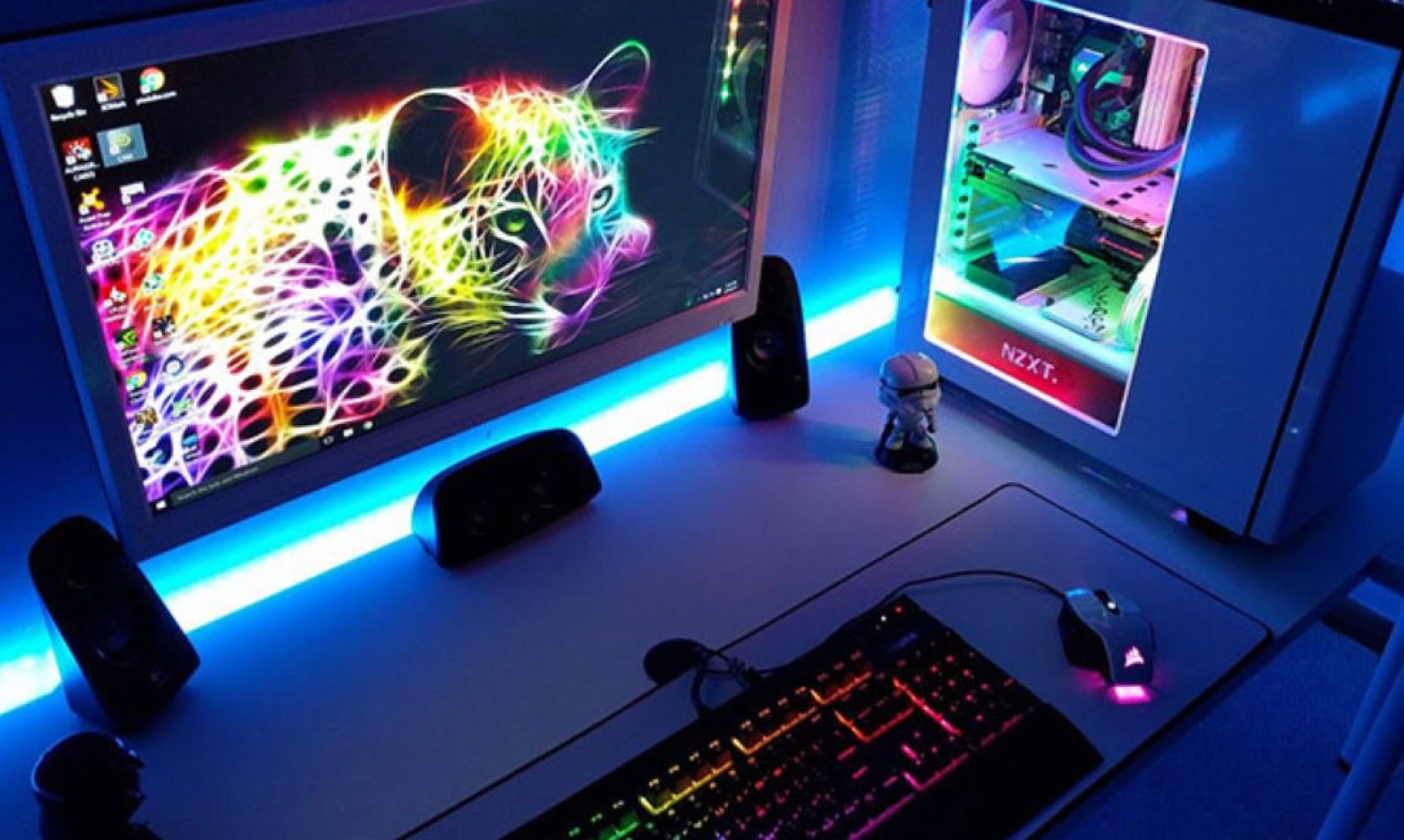
Once your cables are hidden, use subtle RGB strips along the top or bottom of the case. Proper cable management allows the light to bounce off your hardware rather than casting ugly shadows of loose wires across your motherboard.
Pro Tip: If you have extra cable length you can’t hide, tuck it into the PSU Shroud (the basement of your case). Out of sight, out of mind!
Building a PC? Start with a clean slate and a pack of Velcro ties. Your hardware—and your eyes—will thank you.
How is the airflow in your current setup? If you’re noticing your fans ramping up more than usual, it might be time for a quick cable re-routing session.