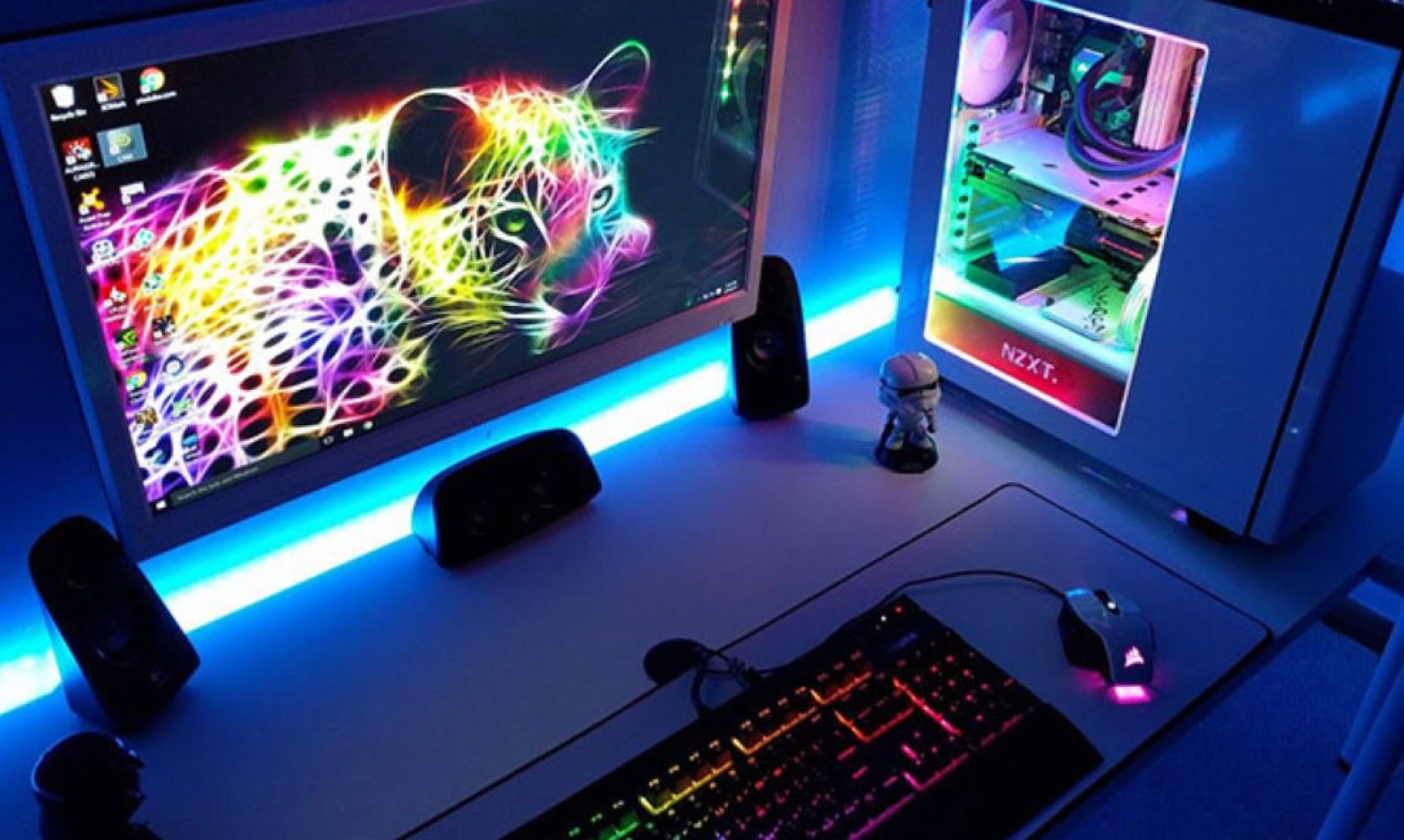
You’ve spent millions of Rupiah on the latest RTX 50-series GPU and a top-tier Ryzen X3D processor. Your “Sultan” build looks magnificent, but there is one component that acts as the heart of the entire system. If this heart fails, it doesn’t just stop working—it can take your expensive GPU and Motherboard down with it in a puff of smoke. gcom.dk
In 2026, choosing a Power Supply Unit (PSU) is no longer just about “total wattage.” It’s about stability, safety standards, and future-proofing. Here is how to choose a PSU that keeps your high-end rig safe. Medium
1. The “Golden Rule” of Wattage: Headroom is Key
In 2026, modern components are efficient, but they suffer from “Transient Spikes”—micro-seconds where the GPU demands double its rated power.
- The Math: Calculate your total system draw and add a 20-30% buffer.
- The Sultan Standard: For a high-end gaming PC today, an 850W or 1000W PSU is the sweet spot. It allows the PSU to run in its “efficiency curve” (usually around 50% load), where it stays coolest and quietest.
2. Look for the ATX 3.1 Standard
Don’t buy old stock! In 2026, you should only look for PSUs labeled ATX 3.1 compliant.
- Why? This standard includes the improved 12V-2×6 power connector. Unlike the older 12VHPWR connectors that made headlines for melting, the 12V-2×6 is designed with shorter signal pins to ensure the cable is fully seated before it delivers high power.
- Safety: ATX 3.1 PSUs are designed to handle massive power excursions without shutting down your PC.
3. Decoding the “80 Plus” and “Cybenetics” Ratings
Efficiency ratings tell you how much power is wasted as heat.
- 80 Plus: Aim for Gold, Platinum, or Titanium. Avoid “White” or “Bronze” for high-end builds; they use cheaper internal components that degrade faster under heat.
- Cybenetics: This is the new, more rigorous gold standard for 2026. Look for a Cybenetics Platinum rating for efficiency and a Cybenetics A- or A rating for noise levels.
4. Modular vs. Non-Modular: Sultan’s Choice
For a premium build, Fully Modular is the only way to go.
- Customization: You only plug in the cables you need. This leaves more room in your case for airflow and makes cable management significantly easier.
- Cleanliness: No “mustard and ketchup” colored wires hanging around. Modular PSUs almost always come with premium, all-black, or sleeved cables.
5. Check the “PSU Tier List”
Brand names (like Corsair, Seasonic, or EVGA) are generally trustworthy, but even great brands sometimes release a “dud” model.
- The Pro Tip: Search for the “PSU Tier List 2026.” Always choose a unit from Tier A. If it’s in Tier E (Avoid) or Tier F (Replace Immediately), it’s a ticking time bomb for your components.
Summary Checklist: Sultan’s PSU Buying Guide
| Feature | Minimum Requirement | Sultan Recommendation |
| Wattage | 750W | 1000W+ |
| Standard | ATX 3.0 | ATX 3.1 |
| Efficiency | 80 Plus Gold | 80 Plus Titanium |
| Cabling | Semi-Modular | Fully Modular |
| Warranty | 5 Years | 10–12 Years |
The Ultimate Warning: Never Reuse Old Cables!
If you are upgrading your PSU, NEVER use the modular cables from your old power supply. Even if the connectors look the same, the internal wiring (pinout) is often different. Plugging an old cable into a new PSU is the fastest way to fry your SSDs and Motherboard instantly.
Final Verdict: The PSU is the insurance policy for your PC. Spending an extra $50 (approx. 750k IDR) on a top-tier power supply is much cheaper than replacing a $1,500 graphics card.
Are you currently planning a high-end build, or are you looking to upgrade an existing system to handle the newer 2026 GPUs?